


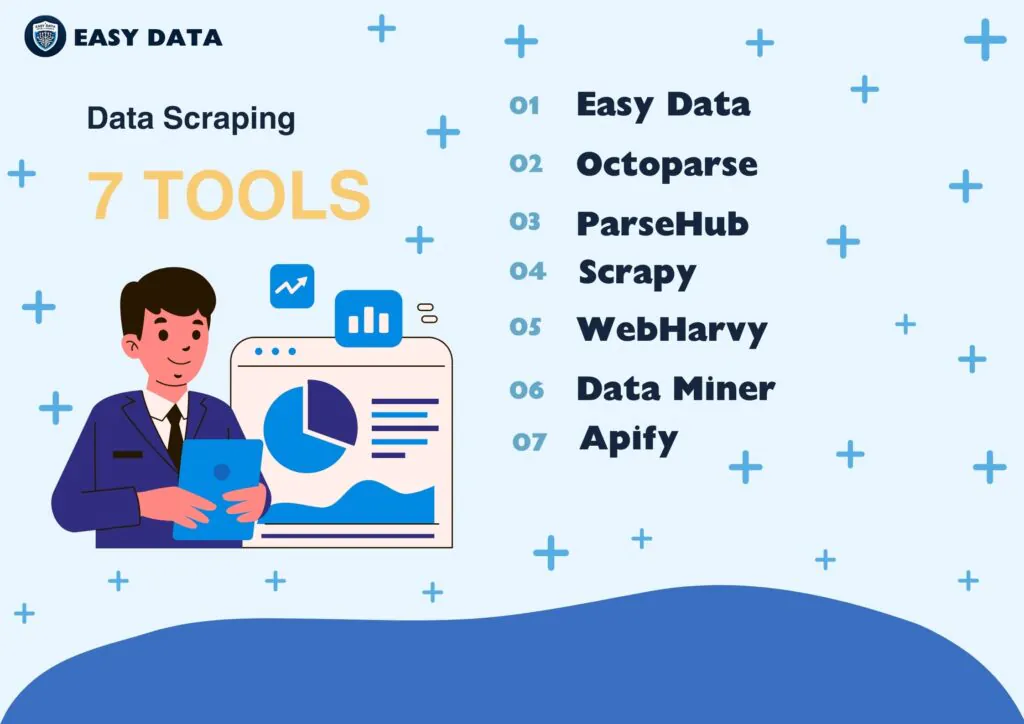
This guide compares seven data-collection options: a managed service, visual tools, a browser extension, a Python framework and a cloud platform. They serve different workflows, so the numbered order is not a tested ranking. Easy Data publishes this guide and is included as the managed-service option.
1. Easy Data
Overview: Easy Data offers Shopee data collection services. Start with a brief specifying source URLs, country, fields, collection period, delivery format and acceptance checks. Confirm feasibility and the agreed scope before ordering; a service description does not guarantee every requested field is available.
Key Features:
- Scope: Specify required fields and which missing values or unavailable sources would make the delivery unsuitable.
- Quality checks: Agree how identifiers, duplicates, timestamps and sampled values will be validated.
- Delivery format: Confirm the file format and field types your analysis workflow accepts; a file export is not necessarily a live integration.
Pros:
- A scoped delivery can reduce the extraction work your own team performs.
- A sample and acceptance criteria make the delivery easier to assess.
- A written brief can capture project-specific requirements before work begins.
Cons:
- Not a self-service scraping tool, which may limit access for users who prefer to scrape independently.
- Confirm the project quote, refresh frequency and support terms; no universal subscription price is established here.
Consider for: A team that wants an agreed data delivery and a named delivery contact rather than maintaining its own extraction workflow.
2. Octoparse
Consider for: A team that wants to configure extraction visually and can test the target pages and exported results.
Octoparse supports local and cloud task runs. Its official extraction guide explains that a local run needs the application open, while a cloud run executes on its platform. Choose based on operating requirements, then verify the exported fields; cloud execution does not by itself mean real-time data.
Key Features:
- Visual task configuration; test its fit for the target workflow
- Local or cloud execution, depending on configuration and plan
- File exports including Excel and CSV
Cost check: Review the current Octoparse plan for local versus cloud execution, tasks and export limits. Record the billing period and usage assumptions when comparing a quote.
3. ParseHub
Consider for: A visual workflow that needs navigation through JavaScript-driven pages and pagination.
ParseHub documents support for dynamic pages, multi-page workflows and exported data in its feature overview. Test representative pages, empty results and pagination before relying on it. Support for a page technology is not proof that a particular site or field will work without configuration.
Key Features:
- Supports dynamic-page workflows; target-specific testing remains necessary
- Multi-page scraping support
- API integration for developers
Cost check: Check ParseHub pricing and the limits that affect your project. Compare run duration, project capacity and the export or API workflow you actually need.
4. Scrapy
Best For: Developers and technical users.
Scrapy is an open-source Python framework for crawling and structured extraction. Its official overview demonstrates CSS/XPath extraction, asynchronous requests, pagination and feed exports. A developer must implement the workflow and maintain it as sources change.
Key Features:
- Custom extraction logic and pipelines written in Python
- Supports asynchronous scraping for speed
- Documented selectors, feed exports and crawl controls
Cost check: The framework is open source. Budget separately for development, hosting, monitoring, browser execution if required, and ongoing maintenance; a free framework does not make the complete workflow free.
5. WebHarvy
Best For: Visual data extraction.
WebHarvy provides point-and-click extraction, pattern detection and file exports on a PC. Its desktop workflow is useful to evaluate when an operator wants to configure repeating fields visually. Confirm system requirements and test your own page layouts before choosing it.
Key Features:
- Automatically detects data patterns
- Scrapes images, text, and links
- Confirm your permitted access method; a proxy does not guarantee anonymity or access
Cost check: WebHarvy advertises a one-time software purchase. Confirm the current license, supported devices and update/support terms with the vendor; this article does not quote a purchase price.
6. Data Miner
Best For: Browser-based data scraping.
Data Miner is a Chrome and Edge extension with extraction recipes and CSV/Excel output. Consider it for a browser-based workflow, then validate whether an existing recipe matches your page and whether browser/session requirements fit the job.
Key Features:
- No installation required beyond a browser extension
- Supports export to Excel and CSV
- Pre-configured recipes for popular websites
Cost check: Review Data Miner’s current plan and page limits on its website. Count the pages your workflow must visit, not just the number of final rows you expect.
7. Apify
Consider for: Running a configured extraction or automation program in a cloud workflow.
Apify’s Actors are cloud programs with structured inputs and outputs. They can be run manually, through an API or on a schedule. A prebuilt Actor still needs validation of its input schema, output fields, maintenance and target-site compatibility.
Key Features:
- Scalable cloud infrastructure
- Integrates with APIs for seamless workflows
- Review access requirements and stop conditions before configuring a run
Cost check: Check the chosen Actor’s charging model and platform usage before a large run. Separate program charges from any compute, storage or network costs that apply to your configuration.
How to Choose the Right Data Scraping Tool
Choose using the work you need to complete, not a claim that one option is universally best. Use the same authorized sample and output requirements for each candidate. The following criteria turn a vendor demonstration into a comparable evaluation:
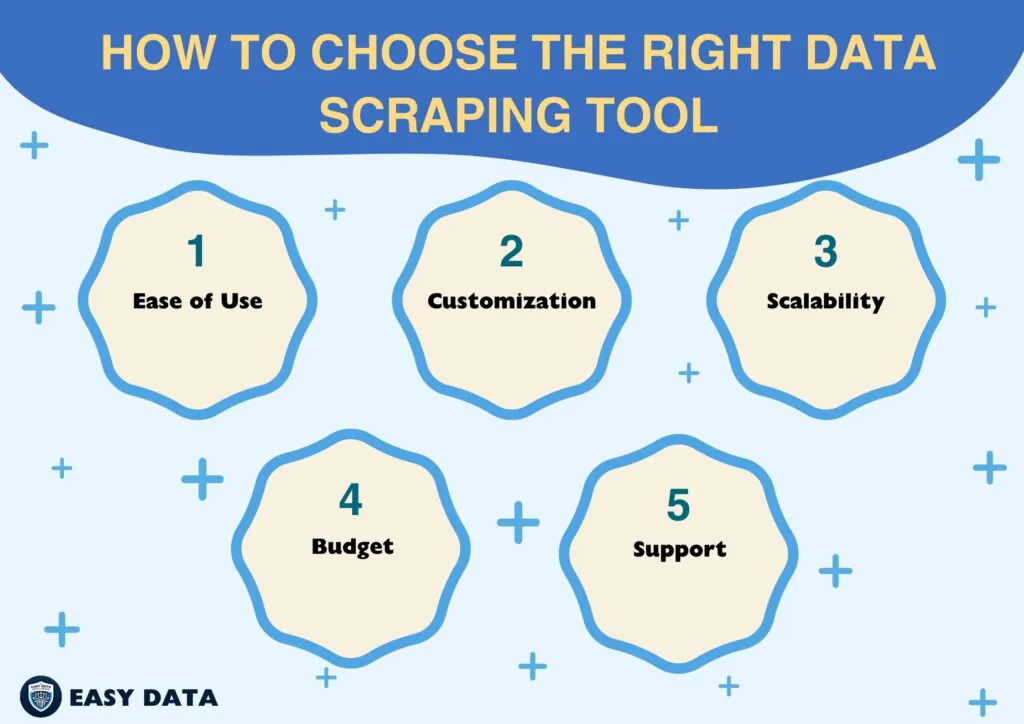
- Ease of use: Have the future operator configure or explain the workflow and repeat it without the vendor’s help.
- Customization: Test required identifiers, variants, missing values, units and export types against a written field specification.
- Scale: Measure completion, failures and retries on a permitted sample before estimating a larger job. Include source load and rate limits.
- Budget: Compare the cost per accepted record, including setup and review time. Avoid comparing only the advertised subscription fee.
- Support: Confirm who repairs a changed page, how failures are reported, and which response times are actually agreed.
| Pilot check | What to record |
|---|---|
| Scope | Use the same source URLs, permitted access and required fields for each candidate. |
| Coverage | Count expected identifiers and unique records returned; keep missing records visible. |
| Accuracy | Compare a documented sample with the source and preserve observation timestamps. |
| Completeness | Define required fields, valid units and acceptable missing-value behavior. |
| Repeatability | Rerun the same configuration and check duplicates, failures and changes. |
| Cost | Include setup, execution and review; divide by records that pass acceptance checks. |
| Handover | Save the configuration, field definitions, limitations and a named maintenance owner. |
Fictional comparison: Two candidates each attempt the same 100 permitted product URLs. Candidate A returns 96 unique records, of which 88 pass all required checks, for USD 22 in total pilot cost. Candidate B returns 98 unique records, of which 96 pass, for USD 24. Both cost USD 0.25 per accepted record (22 ÷ 88 and 24 ÷ 96), while accepted coverage is 88% versus 96%. These invented values illustrate a calculation, not measured vendor results. Do not extrapolate the sample to other sites or volumes without testing.
Conclusion
A useful comparison ends with a reproducible sample, a list of failed checks and a realistic operating cost. A managed service transfers some implementation work to a provider; a tool gives your team more direct control and maintenance responsibility. For a deeper evaluation checklist, see our web-scraping tools guide and sample extraction and validation walkthrough.
Planning a Shopee dataset? Visit easydata.io.vn and use the existing demo option below to discuss sources, fields, delivery frequency and a sample acceptance test.
Leave a Reply