

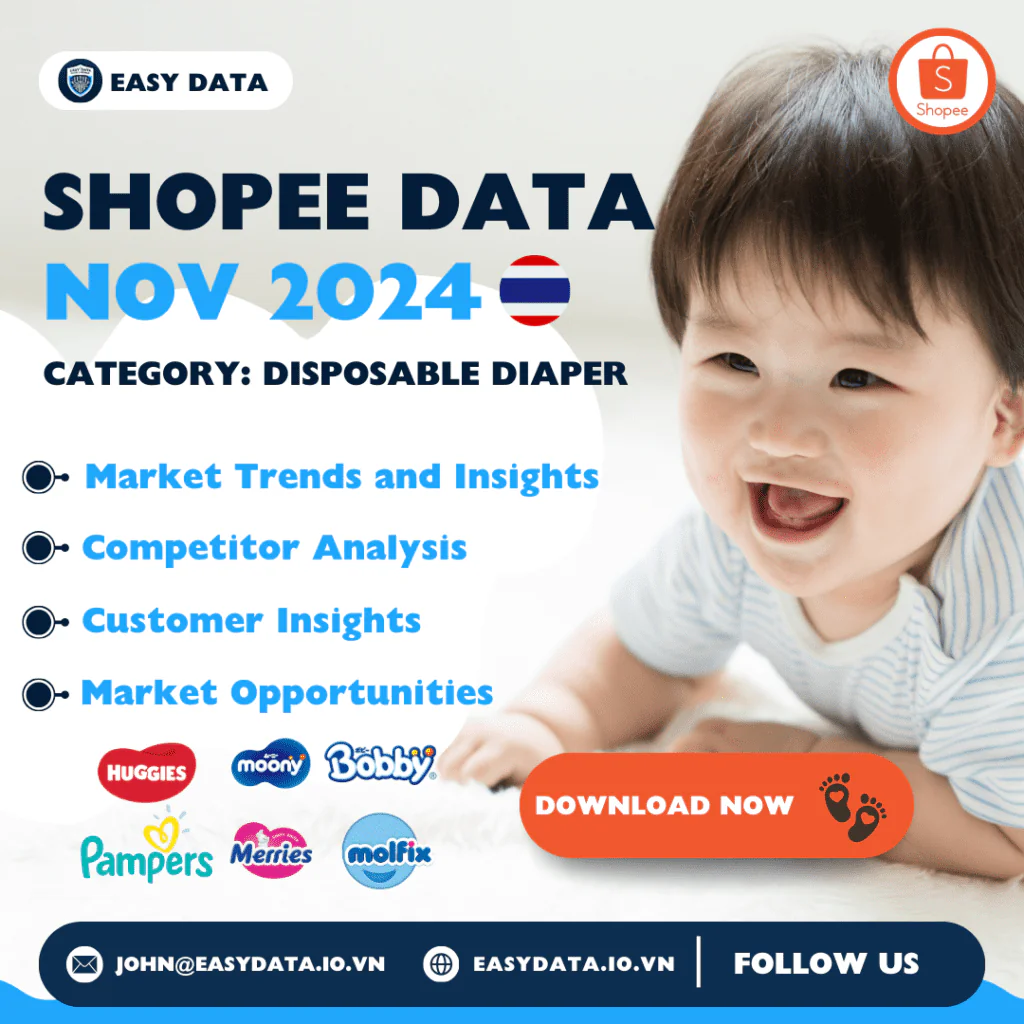
Explore a historical sample of disposable diaper listings on Shopee Thailand. This November 2024 download contains 480 listings from 139 distinct shop IDs, with 22 fields covering products, prices, sellers, ratings and displayed sales counters. Every record has an updateTime of November 24, 2024.
What is in the workbook?
The file is 11046127-TapePantsDisposableDiapers-thailand.xlsx. Its Sheet1 worksheet has a header and 480 populated data rows across columns A–V. All records use category ID 11046127, country Thailand and currency THB. Each shop-and-item ID pair is unique within this file.
The listings include different diaper sizes, pack quantities and product types. This is a dated product snapshot, not a complete census of the Thai diaper market or a transaction report for the month. The workbook does not document how the sample represents the whole category.
Fields available for analysis
-
Product and shop identity:
category,name,url,imageUrl,itemId,shopId,shop_nameandbrand. Retain identifiers as text, and use the listing URL to check a record. -
Market and timing:
country,currencyandupdateTime. The recorded date describes this historical snapshot; it does not establish today’s price or stock status. -
Prices:
price,price_before_discount,discountPercent,price_min,price_max,price_min_before_discountandprice_max_before_discount. Check the selected variant and pack quantity before comparing offers. -
Source counters:
sold,historySold,rating_countandrating. The file does not define the time window forsold. Do not label that field as November orders or treat the counters as independently audited sales.
Quality checks before making comparisons
-
Variant ranges: 208 listings have different
price_minandprice_maxvalues. A low displayed price may refer to a different size, trial pack or product variant. -
Missing reference prices: 85 records have
price_before_discountequal to zero. Exclude those zeros from percentage-discount calculations rather than interpreting them as a free original price. -
Unknown brands: 53 records have a blank
brandvalue. Keep an unknown group visible when summarizing brands instead of assigning one from incomplete information. - Different pack quantities: the title may describe a single pack, a case or multiple sizes. Match the actual selected variant and number of diapers before computing price per diaper. The workbook has no dedicated pack-count field.
A worked listing example
The first data row is a Sumikko listing from shop 1135271452, item 24715056594. Its title mentions 50 pieces and sizes S through XXXL. The row records 139 THB, with a variant price range of 139–176 THB. The listed reference price is 248 THB and the source discount field is 44%.
If you verify that a selected 139 THB variant contains exactly 50 diapers, its item price per diaper is 139 ÷ 50 = 2.78 THB, before any shipping or checkout adjustments. This is a conditional calculation, not proof that every size or offer in the listing has that unit price. Confirm the variant and pack count first.
For a multi-country example, see the October 2024 diaper archive, which covers Vietnam, Thailand and Singapore and explains why a carton listing cannot establish a per-diaper price without a verified pack count. Keep each country’s currency and observation date separate; the two archives are not a matched month-to-month sample.
How to use this historical sample
Keep the original workbook unchanged and perform cleaning in a working copy. Group records by shop-and-item ID, retain missing labels, and compare like-for-like sizes and pack quantities. A single snapshot cannot establish market growth, customer preferences or changes in demand. The cover’s market-insight labels describe potential research uses, not findings proven by this file.
For time-based analysis, review the coverage and comparison guidance in our three-month Thailand diapers dataset guide. Separately collected files can cover different listings. Match products, variants and dates before comparing them. For a current collection with agreed fields and refresh dates, see our Shopee data scraping service.
Request the November 2024 file
- Fill Out the Form: Enter your details to request this historical workbook. Submitting the form does not customize the archived dataset.
- Submit the Form: After filling, submit the form. Ensure all provided information is accurate to avoid delays.
- Check Your Email: Look for the email titled “Your Shopee Data For Is Ready For Download”. If it does not arrive, check your spam folder or contact Easy Data.
- Download from Email: Open the email received, click on the download link provided within to access the data set file.
- Open & Review Data: After downloading, open the file in your preferred spreadsheet software to start analyzing the data.
Leave a Reply