
Download Guide for Shopee Dog Food Data Set (April 2024)

admin Avatar

·

·

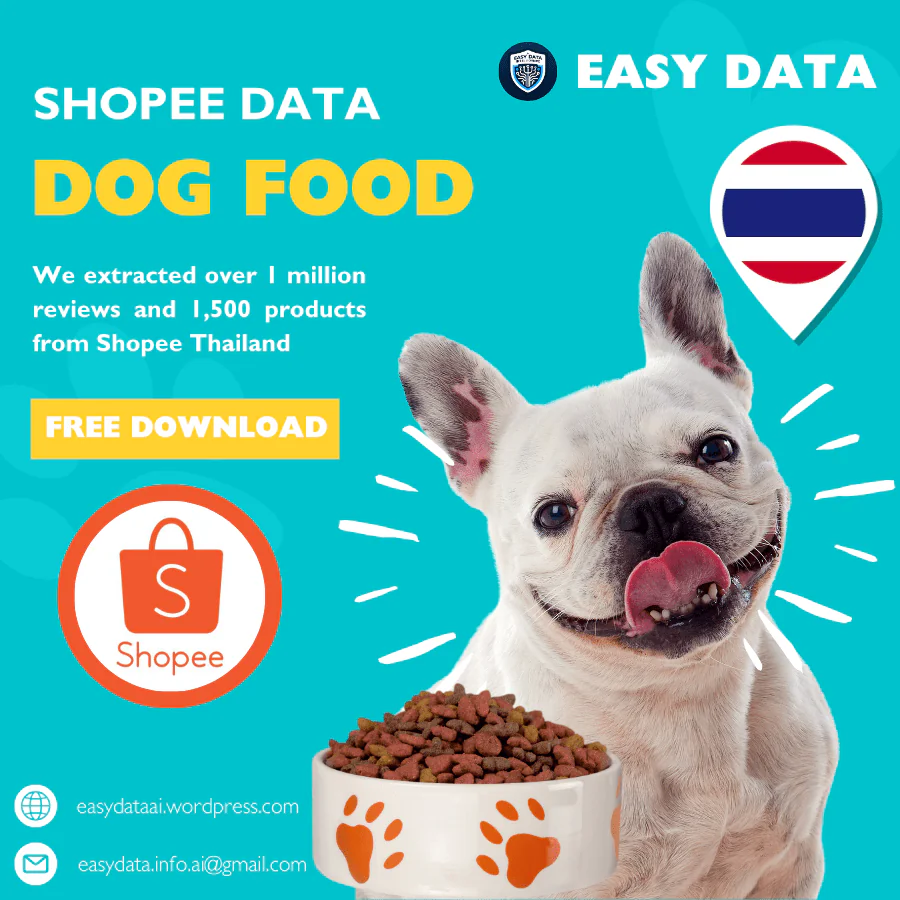
Shopee Thailand dog food dataset promotion: over 1 million reviews and 1,500 products; free download.
Original April 2024 promotional artwork. The delivered archive contains 1,530 observations and 1,131 distinct shop/item pairs. Its rating-counter totals include duplicates; see the explanation below.

Shopee Thailand Dog Food Data Set – April 2024

This historical archive contains two Shopee Thailand keyword-search extracts dated April 12, 2024. Use it to practise listing cleanup, assortment review and conditional pack-price comparisons. The files are snapshots of search results, not a complete census of dog-food products or a current market report.

What the two workbooks contain

The popular workbook contains 1,030 populated listing rows, representing 952 distinct shop/item pairs. The best_selling workbook contains 500 populated listing rows, representing 498 distinct pairs. Blank formatted rows are excluded from these counts. Both workbooks have 23 fields and record Thailand, THB and the same April 12, 2024 observation date.

There are 319 shop/item pairs shared by both extracts. Combined, the 1,530 rows represent 1,131 distinct listings across 271 shop IDs. A listing is identified here by the combination of shopId and itemId. This does not identify a unique product model or individual variant. Preserve the source filename and sorting mode when combining the files.

Fields and interpretation

Search context: keyword, localizedKeyword, country, currency and updateTime describe the search and snapshot. The recorded Thai keyword is อาหารสุนัข and the English label is Dog food. Filenames distinguish popular and best_selling sorting. Those labels do not establish complete market rankings.

Listing identity: name, url, imageUrl, itemId, shopId and brand support matching and manual review. Keep IDs as text. Some brand cells are blank, and the popular extract also contains a literal None brand value. Review these separately from a verified brand name.

Pricing: price, price_before_discount, discountPercent, price_min, price_max, price_min_before_discount and price_max_before_discount describe the captured offer and range. Minimum and maximum prices differ in 312 popular rows and 154 best_selling rows. A listing-level price may refer to one option in a multi-variant offer.

Availability and activity: stock, sold, historySold, rating_count and rating are captured counters or scores. The workbooks do not define a reporting window for sold or provide order-level transactions, revenue, profit or review text. Do not label these counters April sales or April reviews, or multiply price by historySold to claim revenue.

Duplicate listings and the promotional totals

The original promotional image refers to more than one million reviews and about 1,500 products. The delivered files support 1,530 listing observations, but only 1,131 distinct shop/item pairs. Adding rating_count across every row gives 1,266,457, which includes repeated listings. Keeping one counter per distinct pair produces a total between 718,742 and 718,748, depending on which conflicting observation is retained. These are sums of captured rating counters, not that many downloadable review records.

The popular file has 78 repeated observations beyond its unique pairs, and best_selling has two. Five repeated listing groups have different rating counts, nine have different stock values and eight have different historySold values. Numeric representations such as 500 and 500.0 are treated as equal. The shared date lacks a row-level time, so it does not establish which repeated value is newer. Document your selection rule instead of silently retaining the largest counter.

Search relevance also needs review. Some titles describe cat food or mixed dog-and-cat products despite the dog-food search term. For example, the first best_selling record names Petfamily cat food and several package sizes. Treat keyword matches as candidates for classification, not proof of a clean dog-food category. Check species, life stage, wet or dry format, treats and bundle size before comparing listings.

For a worked example of keeping product types separate, see the April 2024 cat-food archive guide. Its sachet-price calculation is explicitly for cat treats, so it should not be mixed into a dog-meal price comparison. Match species, nutritional purpose and package size before combining observations.

Worked example: a two-bag pack price

In the popular workbook, row 2 names a Pawdy puppy-food pack of two 800 g bags. Its captured price is THB 500, with price_min and price_max both 500. If that price applies to the stated two-bag pack, the total weight is 0.8 × 2 = 1.6 kg and the conditional unit price is THB 312.50 per kg (500 ÷ 1.6).

The source identifies shop 662606594 and item 17222691769. Verify the selected variant and package quantity before using the calculation. Shipping, vouchers and other checkout adjustments are not included. This single historical offer does not establish an average market price, current availability or a like-for-like comparison with adult-food recipes.

A practical analysis workflow

Start with a copy of both original workbooks. Add a source/sort column, discard empty formatted rows, and retain shopId plus itemId as the listing key. Flag duplicates and conflicting counters before calculating totals. Classify species, life stage and pack format from the title, then manually confirm ambiguous listings. Calculate a unit price only when the offer price and selected pack quantity are linked. Report the observation date, deduplication rule, exclusions and remaining uncertainty with your results.

For a separately specified collection or repeat observations, see our Shopee data scraping service. Agree on the market, permitted access, fields and refresh schedule before using repeated snapshots to study change.

Download the historical archive

  1. Fill Out the Form: Complete the form to request the April 2024 Thailand dog-food search archive. It delivers existing historical files; submitting the form does not customize their contents. Please fill out this form.
  2. Submit the Form: After filling, submit the form. Ensure all provided information is accurate to avoid delays.
  3. Check Your Email: Upon form submission, a link to download the data set will be sent to your email. This may take a few minutes.
  4. Download from Email: Open the email received, click on the download link provided within to access the data set file.
  5. Open & Review Data: After downloading, open the file in your preferred spreadsheet software to start analyzing the data.

For any issues, check your internet connection or contact us via our email easydata.info.ai@gmail.com for help.

Thank you,
Easy Data Team.