

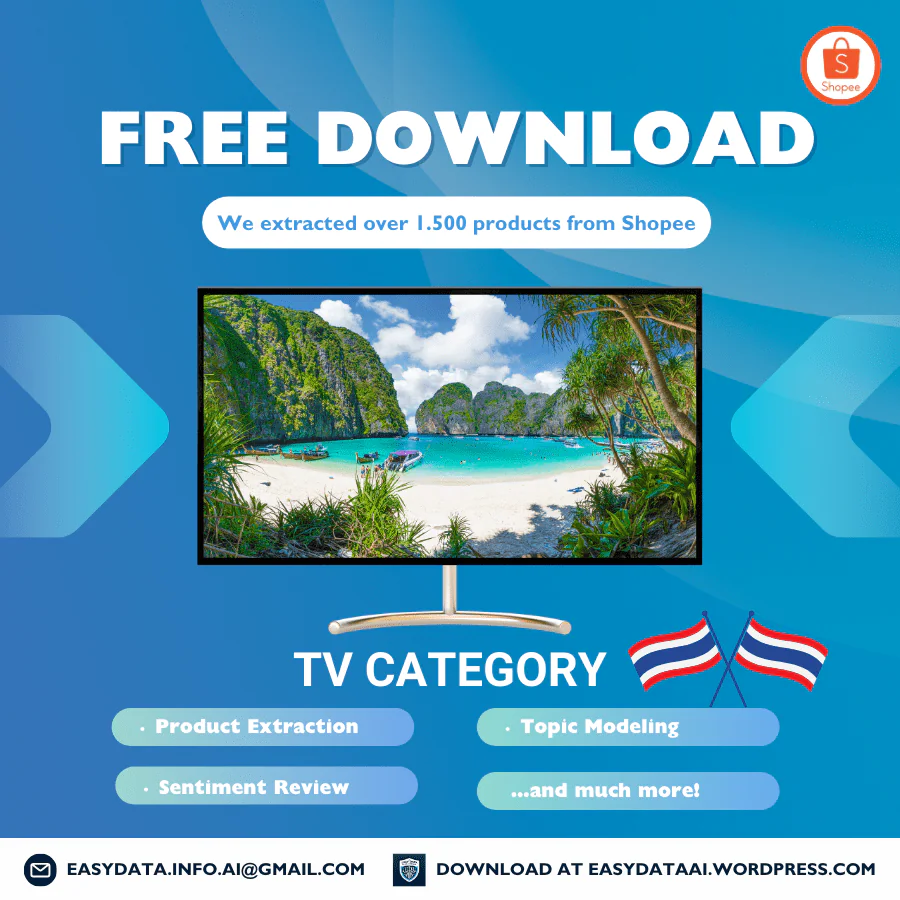
Shopee Thailand TV Data Set – April 2024
This historical archive contains two Shopee Thailand keyword-search workbooks dated April 12, 2024. The earlier heading on this page incorrectly named Vietnam. The delivered records use Thailand, THB and shopee.co.th listing URLs. Use these snapshots to practise listing classification, duplicate handling and variant-aware price comparisons; they are not a current television market report.
What is in the delivered archive?
The popular workbook has 873 populated rows and 845 distinct shop/item pairs. The best_selling workbook has 500 populated rows and 489 distinct pairs. Empty formatted rows are excluded. Both contain the same 23 fields and April 12 observation date; their filenames identify the sorting modes.
Together, the two files contain 1,373 listing observations, 976 distinct shop/item pairs and 540 shop IDs. There are 358 pairs shared between the two extracts. A pair of shopId and itemId identifies a listing, not a unique television model or variant. The search labels are keyword = ทิวี and localizedKeyword = Tivi; these labels do not establish a complete category census or market ranking.
Fields you can use, and what they do not prove
Search context and identity: keyword, localizedKeyword, country, currency, updateTime, name, url, imageUrl, itemId, shopId and brand. Preserve IDs as text. Brand is blank in 317 popular rows and 210 best_selling rows; each file also has one literal None brand value. A missing brand is different from a verified unbranded product.
Offer pricing: price, price_before_discount, discountPercent, price_min, price_max, price_min_before_discount and price_max_before_discount. Minimum and maximum prices differ in 244 popular rows and 132 best_selling rows. A zero reference price occurs in 518 and 269 rows respectively; it is not a usable original price for calculating a discount.
Availability and activity: stock, sold, historySold, rating_count and rating are captured counters or scores. The files do not define the reporting window for sold or provide order-level transactions. Do not present these fields as April-only sales, verified revenue or profit. There are no separate fields for screen size, resolution, panel technology, warranty terms, review text, sentiment scores or topic-model results; details appearing in listing titles need separate verification.
Duplicates, accessories and the original artwork
The promotional artwork claims more than 1,500 products and mentions sentiment review and topic modeling. The exact files currently delivered support 1,373 observations and 976 distinct listings instead. They contain rating counters, not a downloadable review-text collection or sentiment/topic analysis. The original image is retained with this correction so its claims are not mistaken for verified file coverage.
There are 28 repeated observations within popular and 11 within best_selling. Combining the files leaves 397 observations beyond the 976 distinct pairs. Summing rating_count across every row gives 354,825; retaining one counter for each distinct pair gives 184,837. Neither total is the number of review records supplied. Repeated pairs have matching captured prices, stock and rating counts after numeric normalization, but one pair has conflicting historySold values. The shared date has no row-level time, so it does not identify which observation is newer.
Search results also include accessories. The first best_selling record describes an adjustable TV wall mount for stated screen-size ranges, not a television. Its captured price is THB 87, with a THB 87–239 variant range (shop 258486990, item 3850799140). Classify mounts, remotes, spare parts and televisions separately before comparing prices. Treat title keywords as review candidates, not a guaranteed product-type label.
Worked example: a title is not a variant price
Row 2 of the popular workbook names a 43-inch Smart TV listing. It records price and price_min of THB 1,109, but price_max is THB 7,899. The spread is THB 6,790 (7,899 − 1,109). The listing is identified by shop 301326056 and item 16016084045.
This does not establish that the named 43-inch television cost THB 1,109. The archive does not map every price to a selected size, model or bundle. Keep the range, flag the listing for variant review, and verify the matching option before using it in a model-level comparison. Shipping, vouchers, installation and checkout adjustments are not included. These are historical captured values, not a current quote or proof of the title’s technical specifications.
A practical workflow for comparing TV listings
Keep the original files unchanged and add source filename and sorting mode to a working copy. Remove empty rows, preserve listing IDs, and flag duplicate pairs before selecting observations. Record the rule used for conflicting counters. Separate televisions from accessories, then verify brand, model code, screen size, resolution, condition and warranty when those attributes matter. Compare only matching variants and state the snapshot date, currency, excluded records and unresolved attributes alongside any result.
For a new collection or repeated snapshots, see our Shopee data scraping service. Specify the market, permitted access, required variant fields and collection schedule. Repeated observations need comparable selection rules before they can support a trend comparison.
Download the historical archive
- Fill Out the Form: Complete the form to request the April 2024 Thailand TV-search archive. It delivers existing historical files; submitting the form does not customize their contents. Please fill out this form.
- Submit the Form: After filling, submit the form. Ensure all provided information is accurate to avoid delays.
- Check Your Email: Upon form submission, a link to download the data set will be sent to your email. This may take a few minutes.
- Download from Email: Open the email received, click on the download link provided within to access the data set file.
- Open & Review Data: After downloading, open the file in your preferred spreadsheet software to start analyzing the data.
For any issues, check your internet connection or contact us via our email easydata.info.ai@gmail.com for help.
Thank you,
Easy Data Team.