

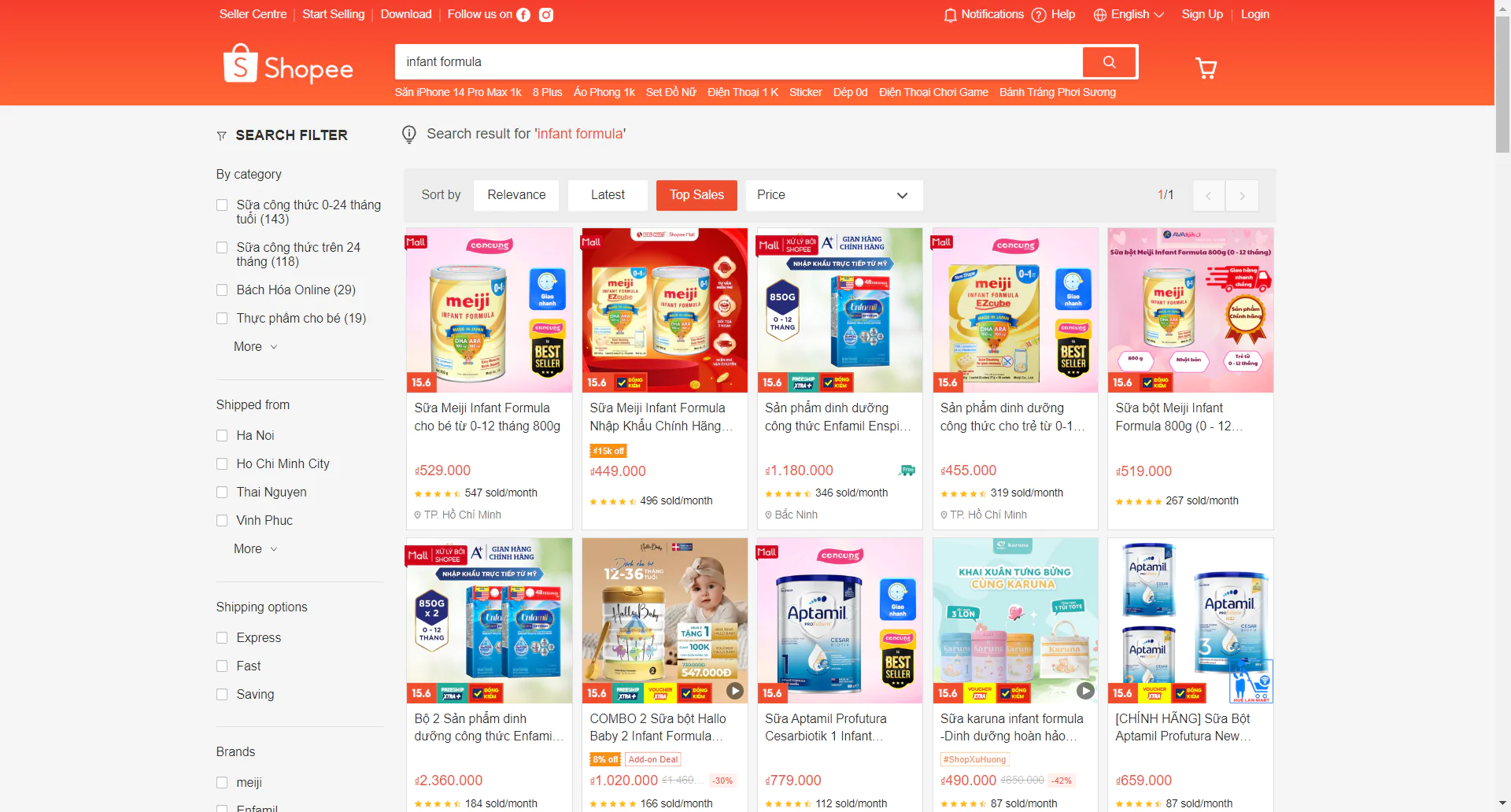
Shopee Thailand – Vietnam – Singapore
Infant Formula Data Set – May 2024
Coverage correction: this page is labelled May 2024, but the current delivery email links to snapshots from different months. The Vietnam files are dated May 19, 2024, and the Singapore files May 18, 2024. The Thailand files are dated April 12, 2024, not May. No May Thailand file was present in the linked Thailand folder when checked. Use the table below to select the appropriate historical snapshot.
Coverage of the delivered files
| Market and snapshot | Files and distinct listings |
|---|---|
| Vietnam · May 19, 2024 · VND |
popular: 360 rows, 310 distinct shop/product pairs. best_selling: 129 rows, 129 distinct pairs. Combined: 389 distinct pairs from 265 shop IDs; 50 pairs occur in both files. |
| Singapore · May 18, 2024 · SGD |
popular: 904 rows, 849 distinct pairs. best_selling: 500 rows, 451 distinct pairs. Combined: 884 distinct pairs from 331 shop IDs; 416 pairs occur in both files. |
| Thailand · April 12, 2024 · THB | Earlier reference snapshot: 1,030 popular rows and 500 best_selling rows, giving 1,163 distinct pairs across the two files. See the April Thailand dataset guide for its coverage and duplicate counts. |
Counts exclude each worksheet’s header. A distinct listing here means one shopId + itemId pair within the same country. The popular and best_selling labels come from the filenames; they are not evidence of complete marketplace coverage or verified monthly sales rankings.
Fields and analysis preparation
Each of the six delivered Excel files has one worksheet and the same 23 column names:
-
Search and listing:
keyword,localizedKeyword,name,url, andimageUrl. -
Market and identifiers:
country,currency,updateTime,itemId,shopId, andbrand. -
Recorded counters:
stock,sold,historySold,rating_count, andrating. -
Recorded prices:
price,price_before_discount,discountPercent,price_min,price_max,price_min_before_discount, andprice_max_before_discount.
Keep the downloaded files intact. When combining exports, add country, snapshot date, and source filename to a separate working table. Group matching shop/product IDs within that market and date, inspect differing values, and record a rule for keeping or reconciling repeated observations. Simply adding row counts overstates distinct listings: the two Vietnam files contain 489 rows but 389 distinct pairs; Singapore contains 1,404 rows but 884 distinct pairs.
What this download cannot establish
The workbooks do not document complete category coverage, collection time zones, or the reporting windows of sold and historySold. Do not interpret those counters as May sales or multiply them by the listed price to claim verified revenue. The countries were captured on different dates and use different currencies; price comparisons also need consistent pack sizes, product variants, and an explicitly dated currency conversion.
For a later Thailand example, explore the December 2024 milk formula dataset and its notes on variant prices and missing reference prices. These separately collected samples do not form a consistent time series; compare their coverage before drawing conclusions about change.
For another historical category, see our May 2025 Baby Diapers dataset; it is a separate period and should not be treated as a directly comparable sample.
The coverage above was checked against every row in the files linked by this article’s published email. If you need a matching May 2024 Thailand export or a different specification, describe the market, category, dates, and required fields through our Shopee data scraping service.
Request the historical files
- Fill Out the Form: Complete the required form with your details. This form requests the existing historical files; it does not customize their contents. Please fill out this form.
- Submit the Form: After filling, submit the form. Ensure all provided information is accurate to avoid delays.
- Check Your Email: Upon form submission, a link to download the data set will be sent to your email. This may take a few minutes.
- Download from Email: Open the email received, click on the download link provided within to access the data set file.
- Open & Review Data: After downloading, open the file in your preferred spreadsheet software to start analyzing the data.
For any issues, check your internet connection or contact us via our email easydata.info.ai@gmail.com for help.
Thank you,
Easy Data Team.
Leave a Reply